Cross-country ski trails Skidélec of Nédélec
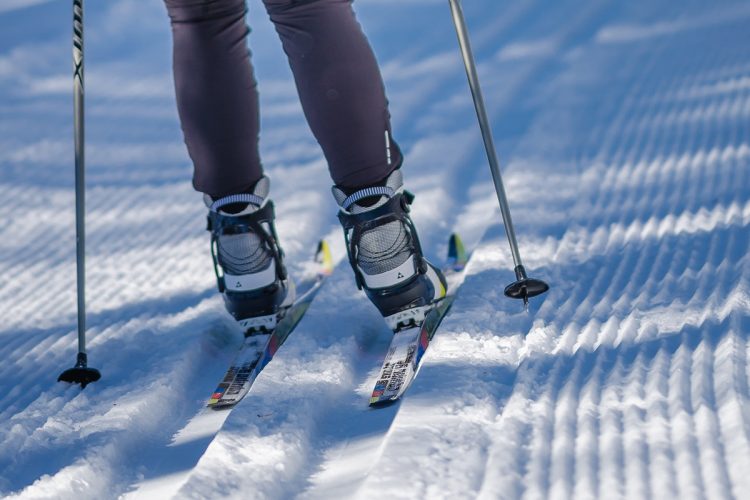
Cross-country ski trails Skidélec of Nédélec
Nédélec, Témiscamingue
- electrocardiogram Easy
- mountain 7 Km (Linear)
- calendar seasonal
Sections
Sentier de ski de fond-Skidélec
- electrocardiogram Easy
- mountain 3.38 km (Linear)
Points of service and interest
 Parking
Accessibility
Access fee
Paid, no reception.
Membership card costs $10 (individual) and $20 (family)
Réjean or Maryse at 6 Patoine Street, Nédélec
P 819 784-5077 or 819 629-5962
To introduce the trail, the first hike is free.
Pets are not allowed.
Directions to the starting point
From Route 101 in Nédélec, take Principale Street and turn west onto Collège Street. The trail begins at the end of Collège Street.
Comments social0
Tools ready to go

Info & advice
- Animation et interprétation
- Care
- Carte et orientation
- Clothes
- Emergency
- Equipment
- Nutrition
- Prevention
- Prevention
Caution
This sheet has been prepared from information provided by outdoor enthusiasts deemed sufficiently reliable and experienced. Errors or omissions are always possible and Tourisme Abitibi-Témiscamingue cannot accept responsibility for any problem or accident that may arise from this sheet or be attributed to its use. If you notice any errors or omissions during your expedition, we would be very grateful if you would let us know by email pleinair@atrat.org in order to keep our information up to date.